Ergonomics and Workspace Setup for Back Pain Prevention
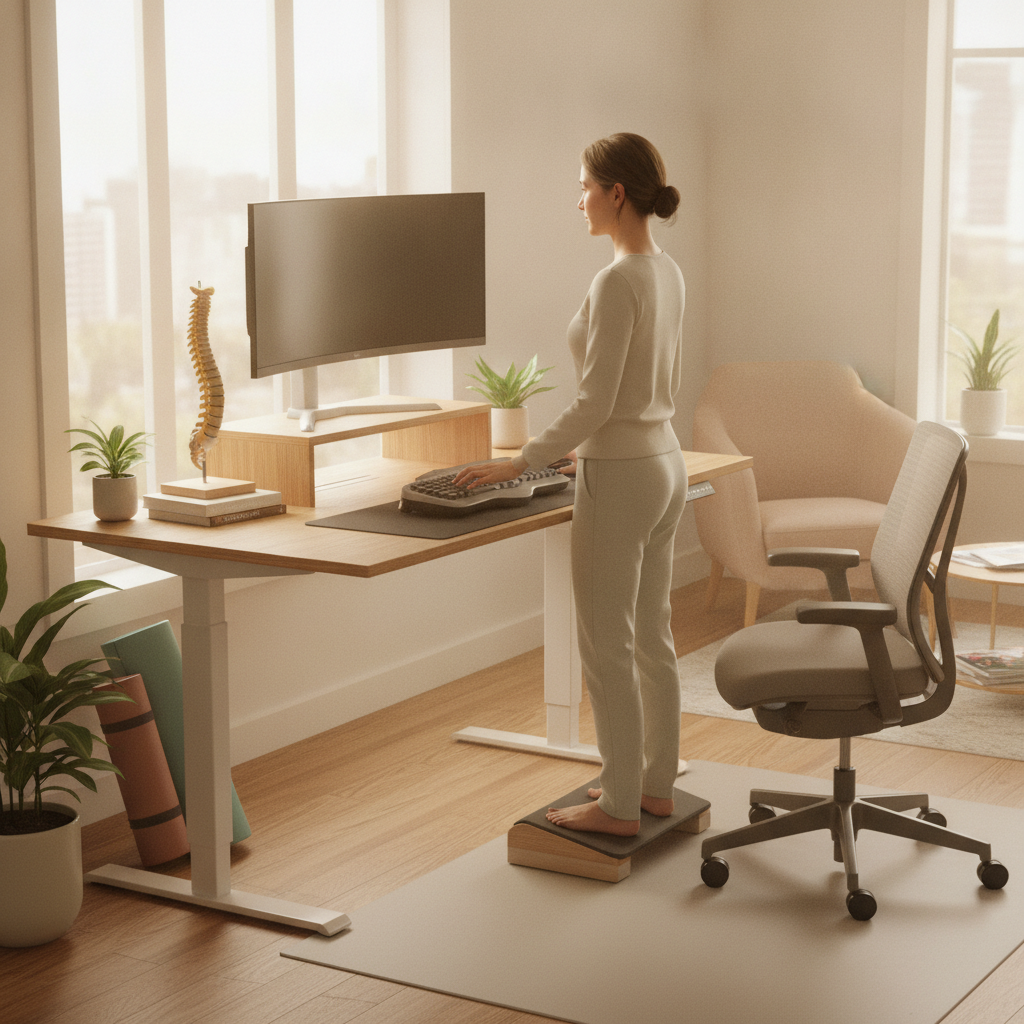
Desk workers spend 1,500+ hours per year sitting. Poor workspace ergonomics creates cumulative stress that leads to chronic pain.
Monitor Positioning
Your screen should be positioned so your gaze is approximately 15-20 degrees below horizontal, with the top of the screen at or slightly below eye level. The screen should be 20-26 inches from your eyes. When correctly positioned, you avoid forward head posture, which adds tremendous load to the cervical and thoracic spine.
Chair Selection and Adjustment
An effective chair supports your lower back's natural curve. The seat height should allow your feet to rest flat on the floor with knees at 90 degrees. Your elbows should rest at approximately 90 degrees when your hands are on your keyboard.
Keyboard and Mouse Setup
Keep your keyboard and mouse close to your body, at elbow height, to prevent reaching and strain. Consider a split or ergonomic keyboard to reduce wrist deviation. A vertical mouse promotes neutral wrist positioning.
Movement Breaks
Even optimal positioning creates strain during prolonged static postures. Stand, walk, and stretch every 45-60 minutes. These breaks prevent the stiffness that accumulates with static sitting.
Desk Variety
Sitting is hazardous even with perfect ergonomics. Alternating between sitting and standing throughout the day—using a sit-stand desk or changing locations—distributes load across different structures and reduces fatigue.
Practical Implementation
Adjust your workspace incrementally rather than making radical changes that feel uncomfortable. Your body adapts over 2-3 weeks to new positions. Small investments in an ergonomic chair, monitor arm, and keyboard significantly reduce the risk of chronic pain.